

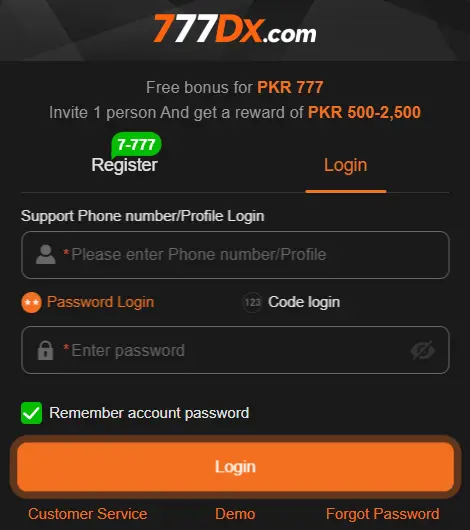
The 777DX login page gives registered users a way to access their account from a mobile phone or other supported device. If you already have a 777DX account, you can use your registered login details to enter the platform.
How to Log In to 777DX
The login process is generally simple:
- Open the official 777DX website or application.
- Select the Login option.
- Enter your registered username, phone number, or other required account detail.
- Enter your account password.
- Complete any verification requested by the platform.
- Select Login to access your account.
Always check that you are using the legitimate 777DX website or application before entering your account information.
777DX Login for Pakistani Users
Users in Pakistan should keep their registration information secure and avoid sharing account credentials with anyone else. If a login page asks for unusual personal or financial information, verify the source before continuing.
A stable internet connection can also help prevent interruptions while signing in from a mobile device.
Forgot Your 777DX Password?
If you cannot remember your password, look for the official Forgot Password or account-recovery option on the login page. Follow the verification instructions provided by the platform rather than using unofficial recovery services.
Never give your password or verification code to another person claiming they can recover your account.
777DX Login Problems
If you cannot log in, check that:
- Your username or registered number is entered correctly.
- Your password has been typed correctly.
- Your internet connection is working.
- You are using the current official website or application.
- Your account has not been restricted or suspended.
- Any required verification step has been completed.
If the problem continues, use the platform’s official customer-support or account-recovery channel.
Stay Safe When Logging In
For better account security, use a strong and unique password and keep your login information private. Avoid saving credentials on shared devices, and do not install unofficial versions of the application simply because they claim to fix a login problem.
Pakistani users should also check the applicable laws, age requirements, and platform terms before using any real-money gaming service.
Conclusion
The 777DX login process allows existing users to access their accounts through the supported website or application. Use the official login page, protect your credentials, and use the platform responsibly and only where permitted.